
Display Lock on Connection Loss
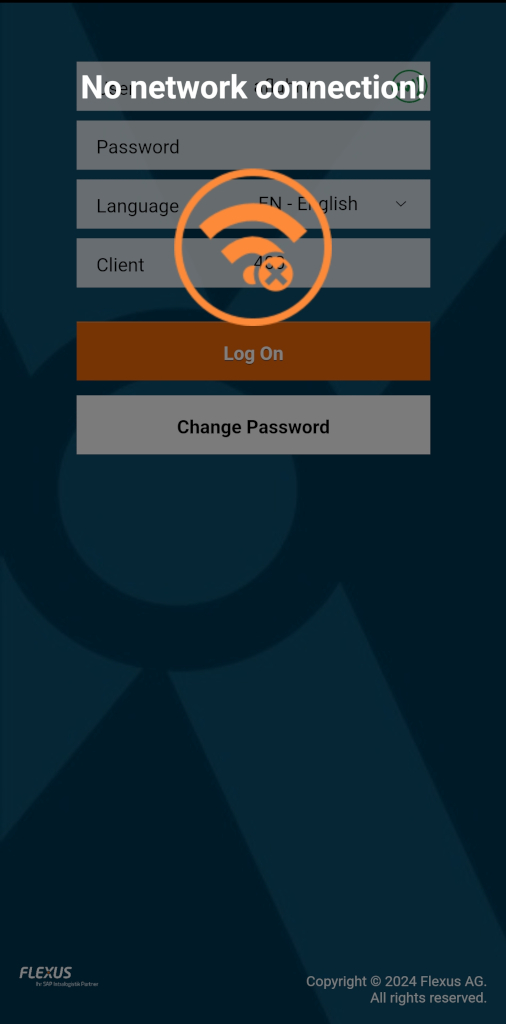
With this setting, the screen can be automatically locked when there is no longer a connection to the configured start page. This can be used to ensure that employees do not continue working or scan barcodes that cannot be saved or sent to the server while the connection is down.
This helps avoid multiple scans/entries and prevents employees from seeing error messages related to network problems.
Note
This feature pings the configured start page at regular intervals to check if it is reachable. This ensures that the screen is always locked when the start page is not accessible.