
The industry browser for faster work and fewer errors
Your team scans instead of types, logs in with certificates, and opens the right app or website automatically.
Powered by backhand scanners, custom keyboards, smarter SAP, certificate login, automation scripts, and so much more.








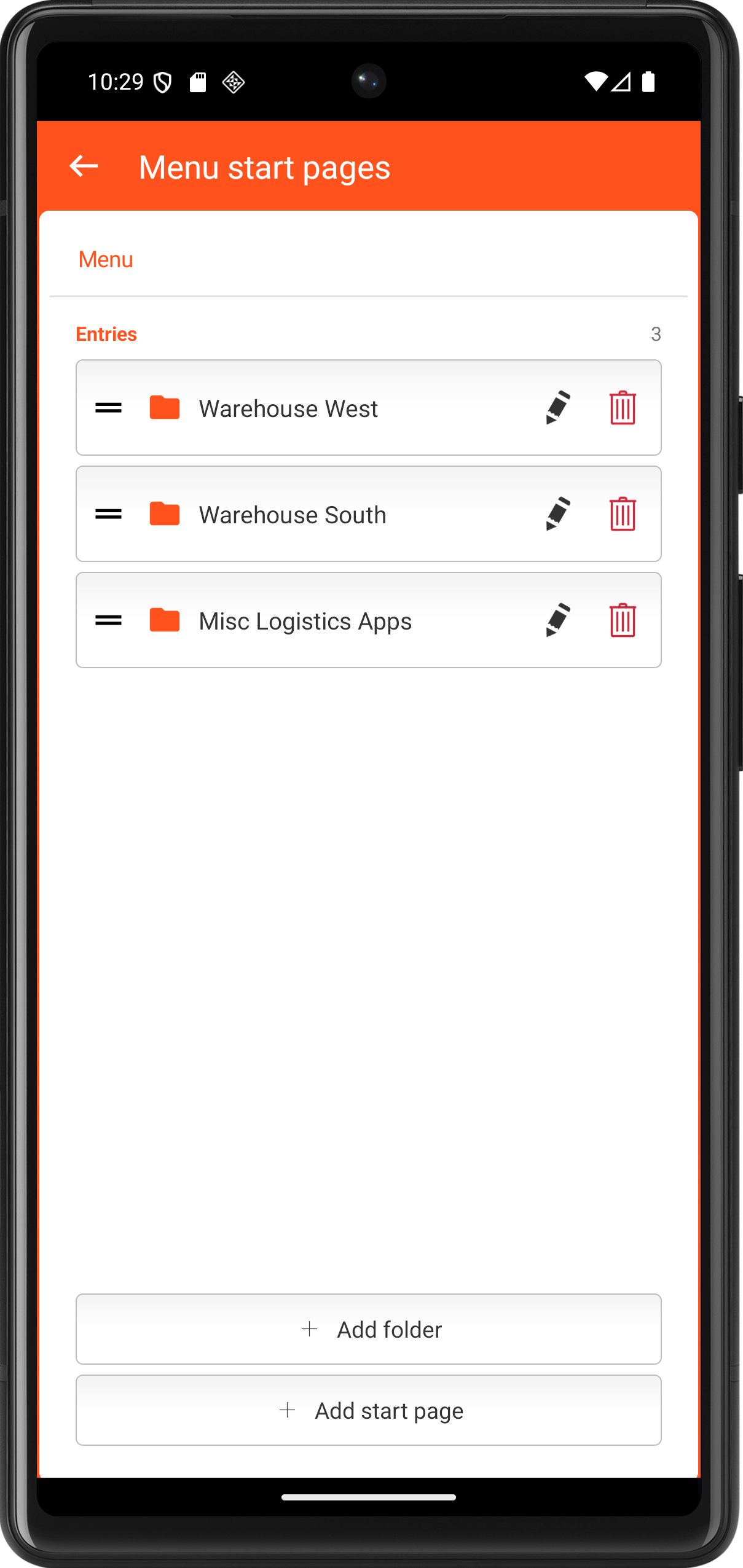
Launch straight into your apps.
Predefine the websites and Fiori apps your users need, and TheFlex opens them on launch, as a simple list or a clear, folder-based menu.
- Predefined URLs open on launch, no typing required.
- Switch between test, QA, and production from the toolbar.
- Group apps by department, system, or location.
- Push the whole menu structure centrally via MDM.
Goodbye passwords. Hello certificates.
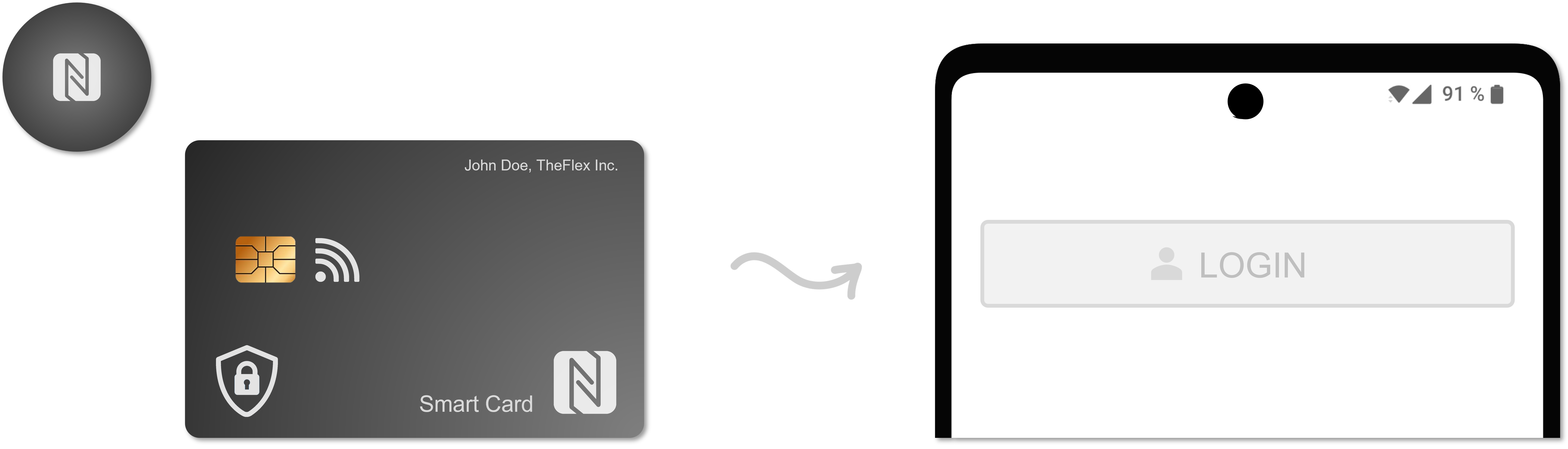
Forgotten passwords are a thing of the past: TheFlex provides secure, convenient ways to sign in to your apps, like certificates, smartcards and NFC.
 NFCSmartcardCertificate
Passwordless login with personal certificates via MDM. Works with SAP, Azure and more.
Most requestedLearn moreSecure login via certificate on smartcards. Simple and intuitive for users.
Learn moreCut scanning time by up to 50%.
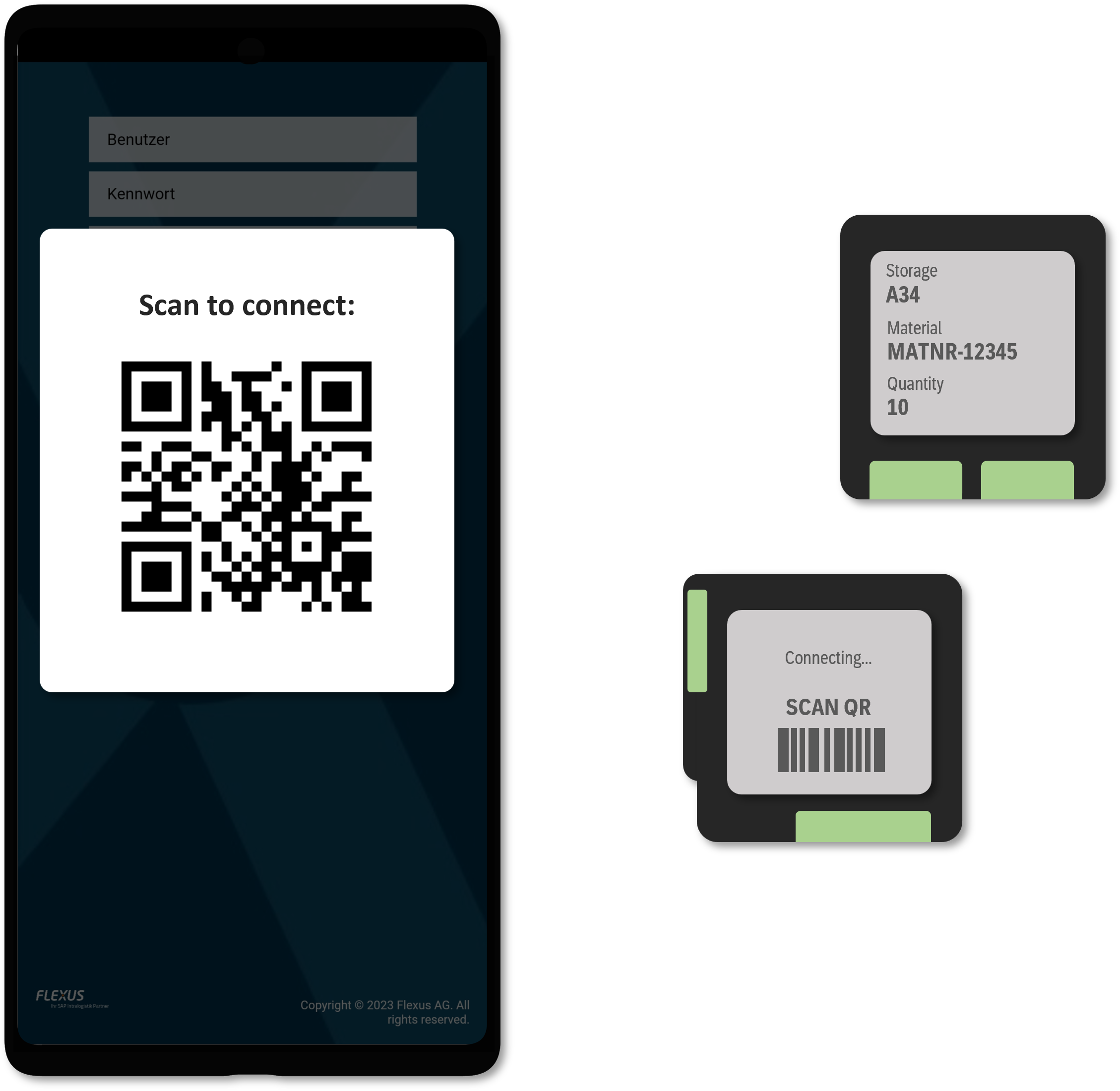
Connect backhand scanners straight to the web apps and SAP Fiori screens your teams already use.
- Works with ProGlove out of the box.
- Works with NIMMSTA out of the box.
- Custom connections on request.
Got other hardware to connect? We build the integration into your web apps on request, tailored to your devices.
 Scan to connectProGloveNIMMSTA
Your Keyboard, your process.
Design and deploy keyboards that match your application: faster input, fewer errors, more intuitive work.
- Boost productivity:
- Adjust key sizes, colors and behavior to your workflow.
- Easy & Smart activation:
- Custom keyboards appear only on matching input fields.
- Quick setup via MDM:
- Configured centrally via SOTI, Intune and other MDMs: no manual setup per device.
- Flexible for any scenario:
- Use predefined input types or add custom attributes to HTML fields for precise control.
With Custom Keyboards, you get a tool that's adaptable to you.
Try for free now
- 1Install free from the Play Store
No credit card, no sign-up, no form to fill in. Just download and open.
- 2Test it free for 7 days
Almost every feature unlocked, with no commitment.
- 3Reach out only if you like it
Ask your questions or buy directly from us, whenever you are ready.
- 4Add your license and go live
We send a license code, you paste it into the settings. That is it.

Configure once. Roll out everywhere.
Every TheFlex setting can be rolled out to every device, either through any MDM or as a single configuration file.
- Works with every Android Enterprise MDM: Intune, SOTI MobiControl, VMware and more.
- Push a change to thousands of devices in seconds, with nothing to do at the device itself.
- Export the full configuration as a JSON file, distribute via MDM, shared drive, USB or script.
Your app deserves the whole screen.
Device screens are small enough already, yet standard browsers spend half of them on address bars, tabs and menus. TheFlex hands the full screen to your application, nothing else.
The on-screen keyboard stays hidden, and can still be opened on demand via API.
The keyboard appears only when someone taps an input field.
Standard behavior: the keyboard opens as usual.
A network of experienced partners
Our partners support you with hardware procurement, device management and the right mobile applications.









 Custom colorsCustom nameCustom icon
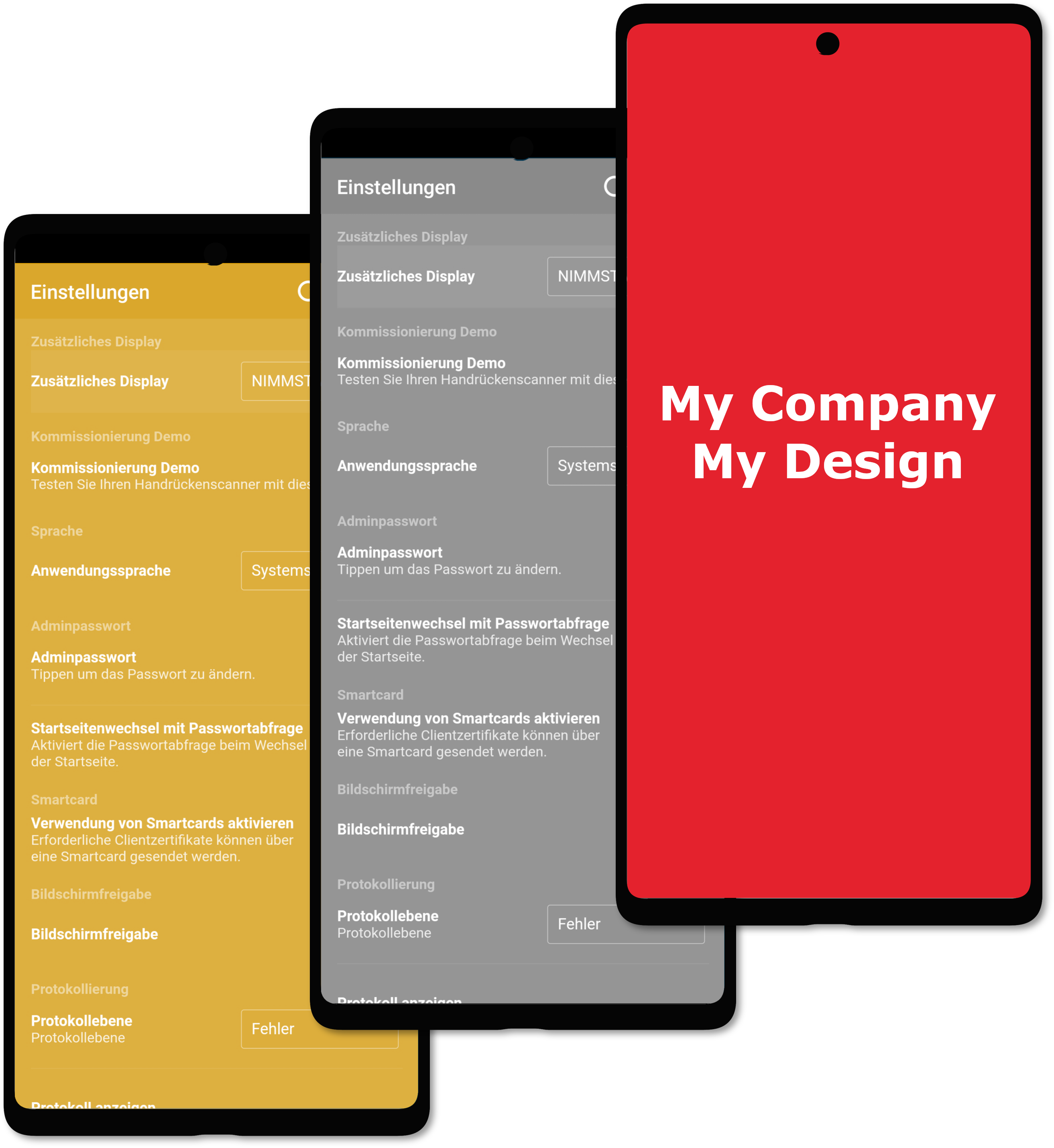
Custom logo, colors and corporate identity
Your colors, your logo, your texts: TheFlex as your company's own browser.
- Custom app name
- Custom icon
- Custom app colors
- Custom descriptions and texts
- Publish under your own Play Store account
Customize or automate existing websites
Custom Scripts adapt the look of almost any website and automate its functions.
You develop and modify the scripts yourself, for example:
- Adapt old websites, such as ITS-Mobile, to small scanner screens.
- Hide unnecessary information.
- Enlarge or highlight important information in color.
- Automate login or other processes.
More on this in the documentation for developers.
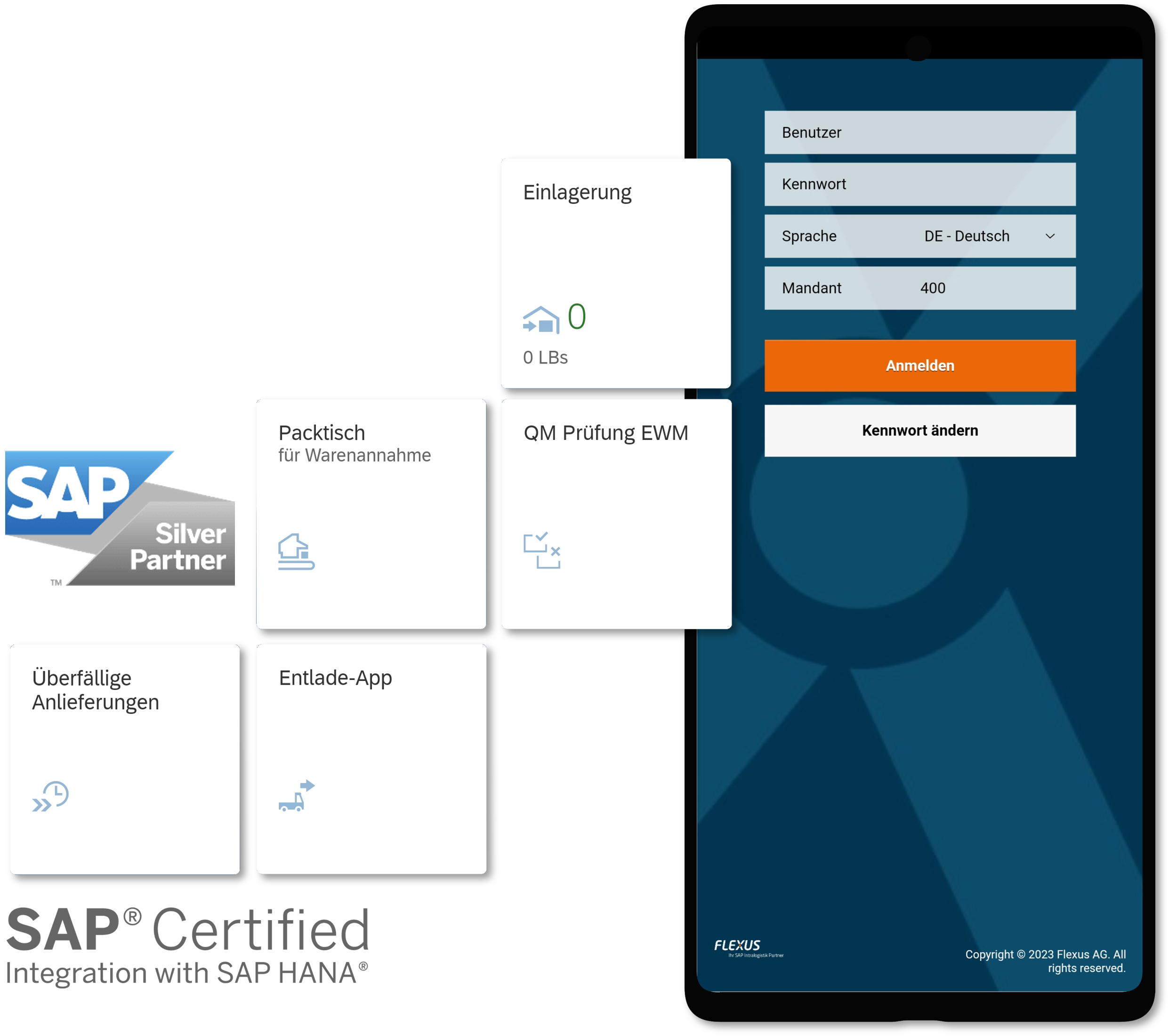 SAP FioriITS-MobileSAP BTP
SAP certified and optimized
Modern SAP apps run on Fiori and ITS-Mobile, and every one of them needs a browser. TheFlex is the one built for the job:
- Full support for SAP Fiori, ITS-Mobile and SAP BTP apps
- Native NFC support inside SAP Fiori
- Many Fiori display fixes and improvements out of the box
Get the full potential out of your Fiori apps instead of losing it to a standard browser.

Available now on the SAP Store, validated for Fiori and ITS-Mobile.
We answer your questions
Questions, more information or a guided trial? Send us a message:
FAQ
You only have to pay for devices that are used productively. Test and replacement devices are free of charge. Contact us for a specific quote. Support and volume pricing for 100 or more licenses are available.
No. Neither a license server nor additional infrastructure is required. Installing the browser on the device is sufficient.
For simple applications, configuration is completed within an hour. For complex applications, it depends on your specific requirements.
Quick setup guideWhen you first launch the browser, you can start a seven-day trial. If you would like to test for longer, just ask us and we are happy to provide a license code.
The easiest way is via the Google Play Store. On request, we also provide the browser as an APK.
Install guideOur documentation lists every feature with a detailed description, the available configuration options and guidance on typical use cases, so you can quickly see what TheFlex can do and how to set it up.
Browse all features