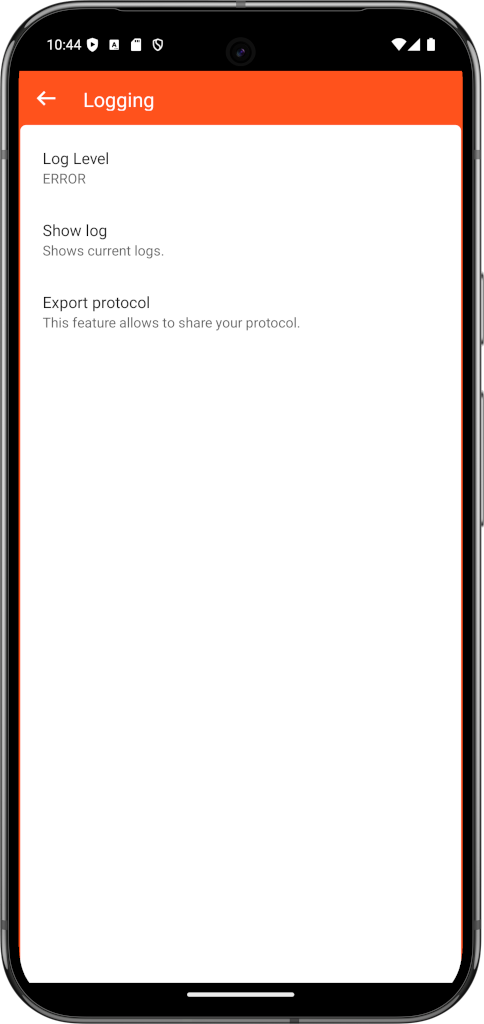
Logging
An important part of finding errors, be it in websites, the network or the browser, is the logging of log messages.
You can define which logs are to be saved in the settings:
- Errors: Recommended for productive use cases
- Warnings
- Information
- Debug messages
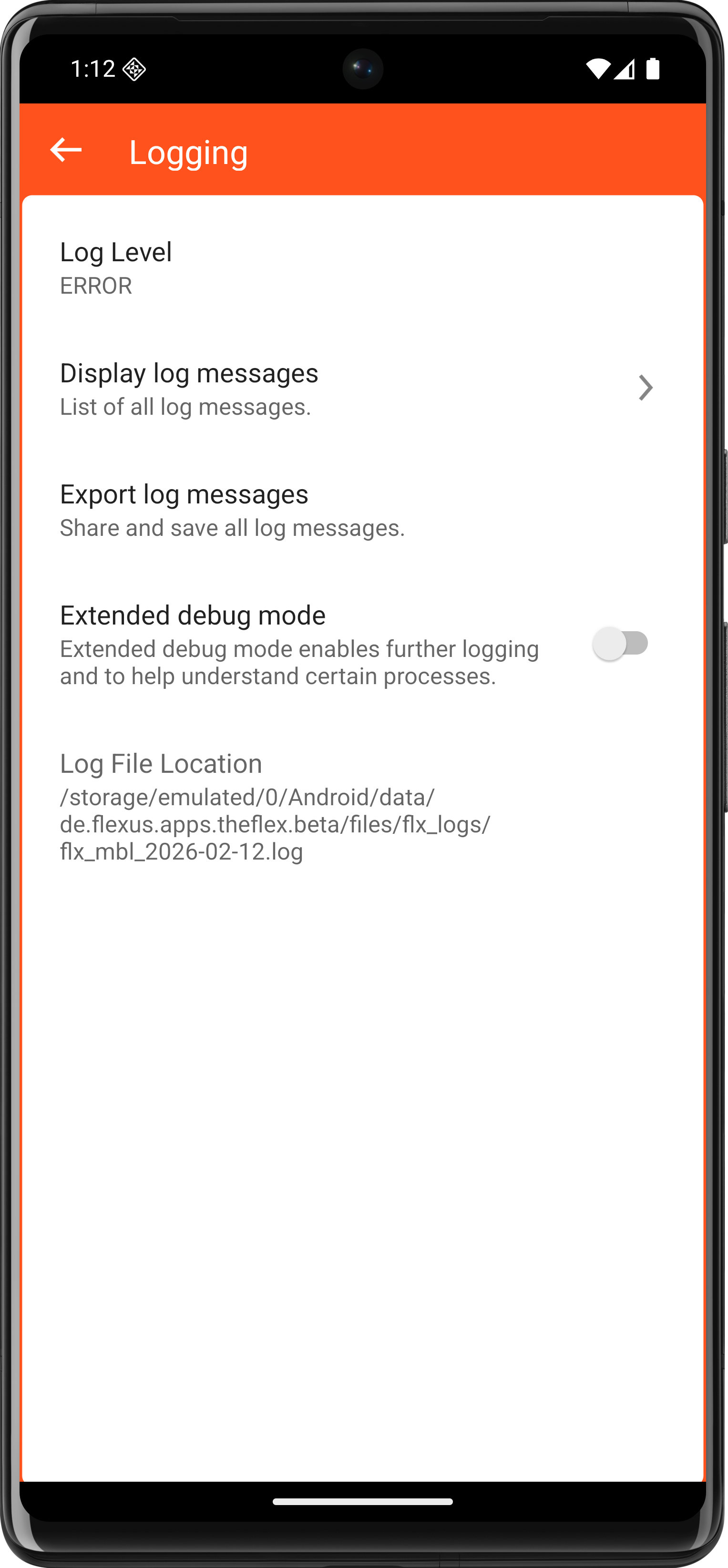
After the log level has been changed, the app must be restarted.
Additional to evaluate Android-Lifecycle-Events and log every event, activate the extended Debug Mode:

There are two options for evaluating these messages:
- The messages can be viewed directly in the app under "Display log messages". It is possible to Filter and Search for spesific logs.
- All messages are saved in a local file. This can be transferred to a PC and evaluated there as required. This file is in the following folder: sdcard/Android/data/de.flexus.apps.theflex/files/flx_logs
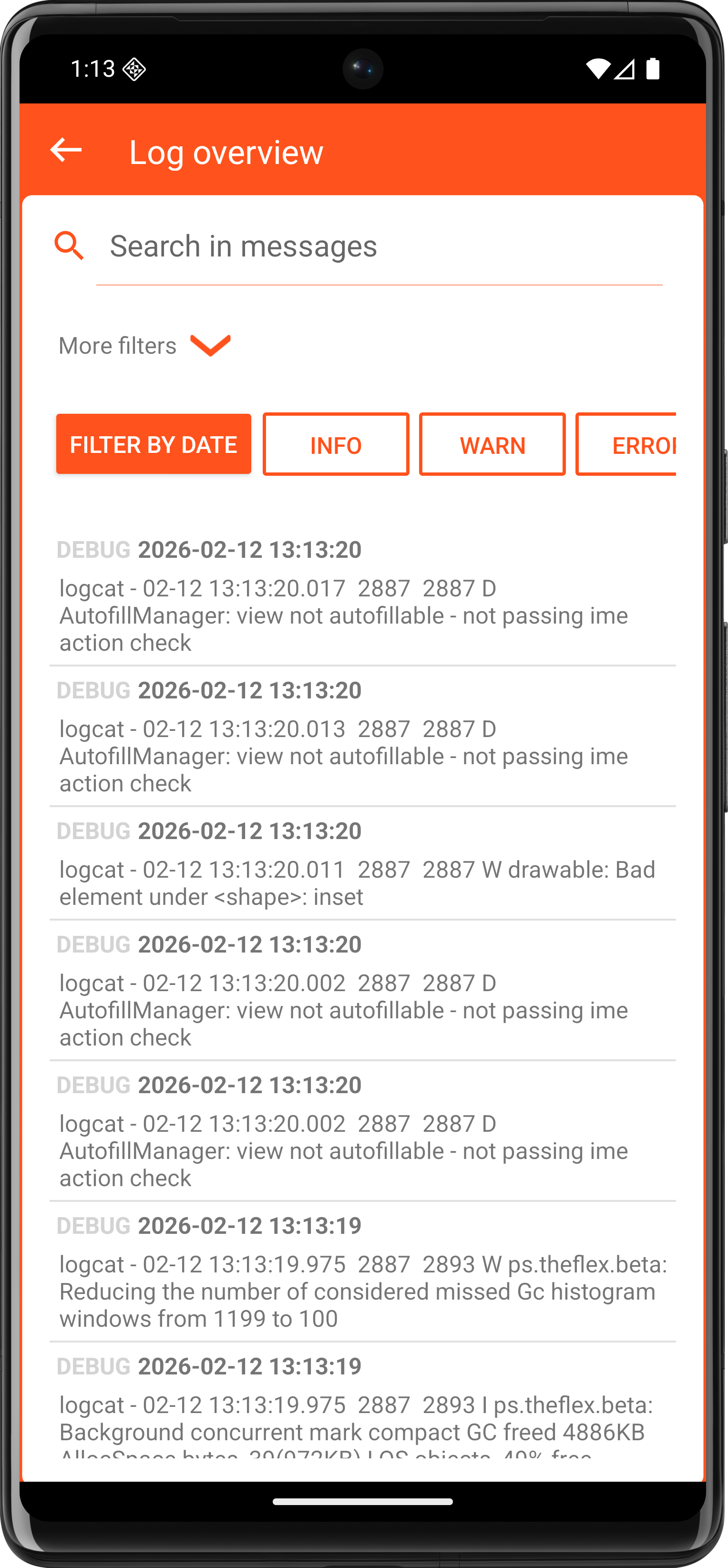
- Export logs so that they can be sent and anlyzed on another device.